|
IN 3 MINUTES YOU'LL LEARN
| ✓ |
The voice-first stack that runs without you |
| ✓ |
Why admin isn't your biggest tax — missed upside is |
| ✓ |
How to wire Claude Routines as your operator, not your assistant |
|
I was walking home from the office, still on a call with a prospect. We were sketching out the product we'd need to build for them. Tasks were piling up in my head. The product shape was forming. I wasn't near a laptop and I wasn't going to be for another twenty minutes.
I pressed the Action Button on my iPhone, spoke everything into it — the tasks, the follow-ups, the raw product idea — and tapped to stop. By the time I opened my laptop at home, a roadmap entry was drafted and a priority task list was waiting. No retyping. No reconstructing. Straight into execution. That's what it looks like to automate your operations from voice with Claude Routines.
Admin is a tax. Missed execution is a leak.
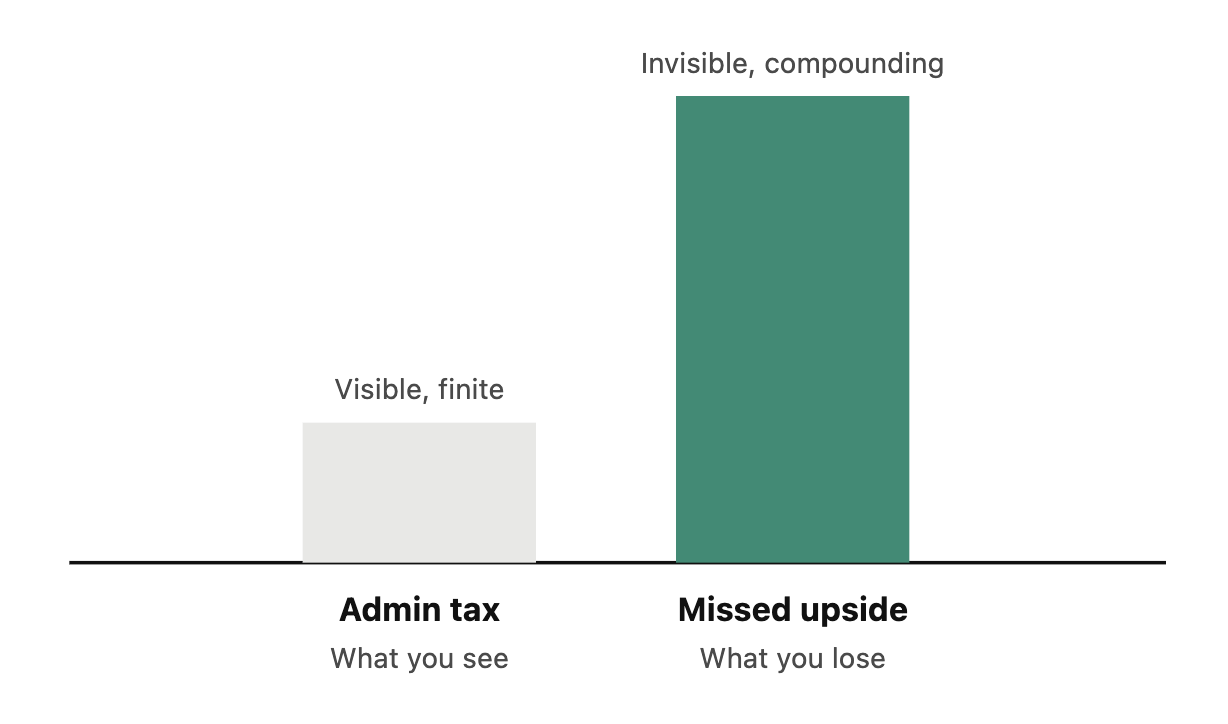
Small admin tasks are death by a thousand clicks. Reschedule a meeting. Draft a follow-up. Log a new lead. Update a roadmap. Each one is trivial on its own. Stacked across a week, they eat hours — and if you skip them, you lose track of everything.
But the real cost isn't the time. It's the upside you never capture. The product idea that hit on a walk and was gone by dinner. The client follow-up that felt obvious in the moment and vague by morning. The feature you'd have shipped if you'd logged it while the thought was live.
|
| WHAT YOU SEE VS. WHAT YOU LOSE |
The fix isn't a faster note-taking app.
It's changing what AI does in your stack.
Most people use AI as an assistant — you open a chat, you type, it helps, you copy the answer somewhere else. You're still the operator. The AI sits and waits.
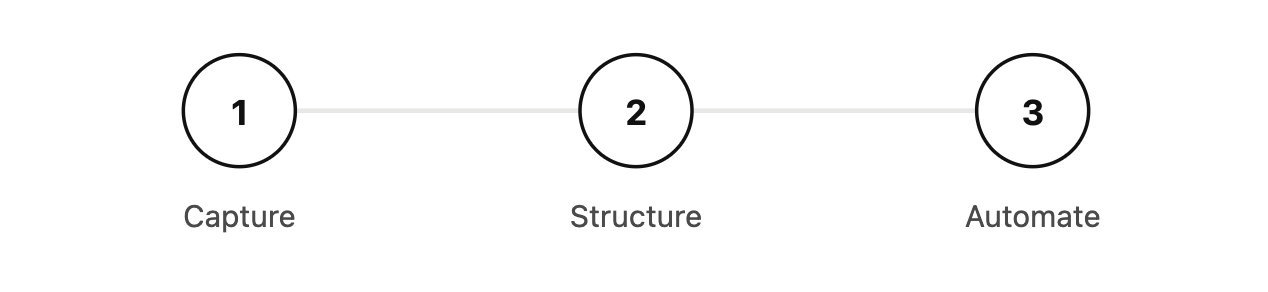
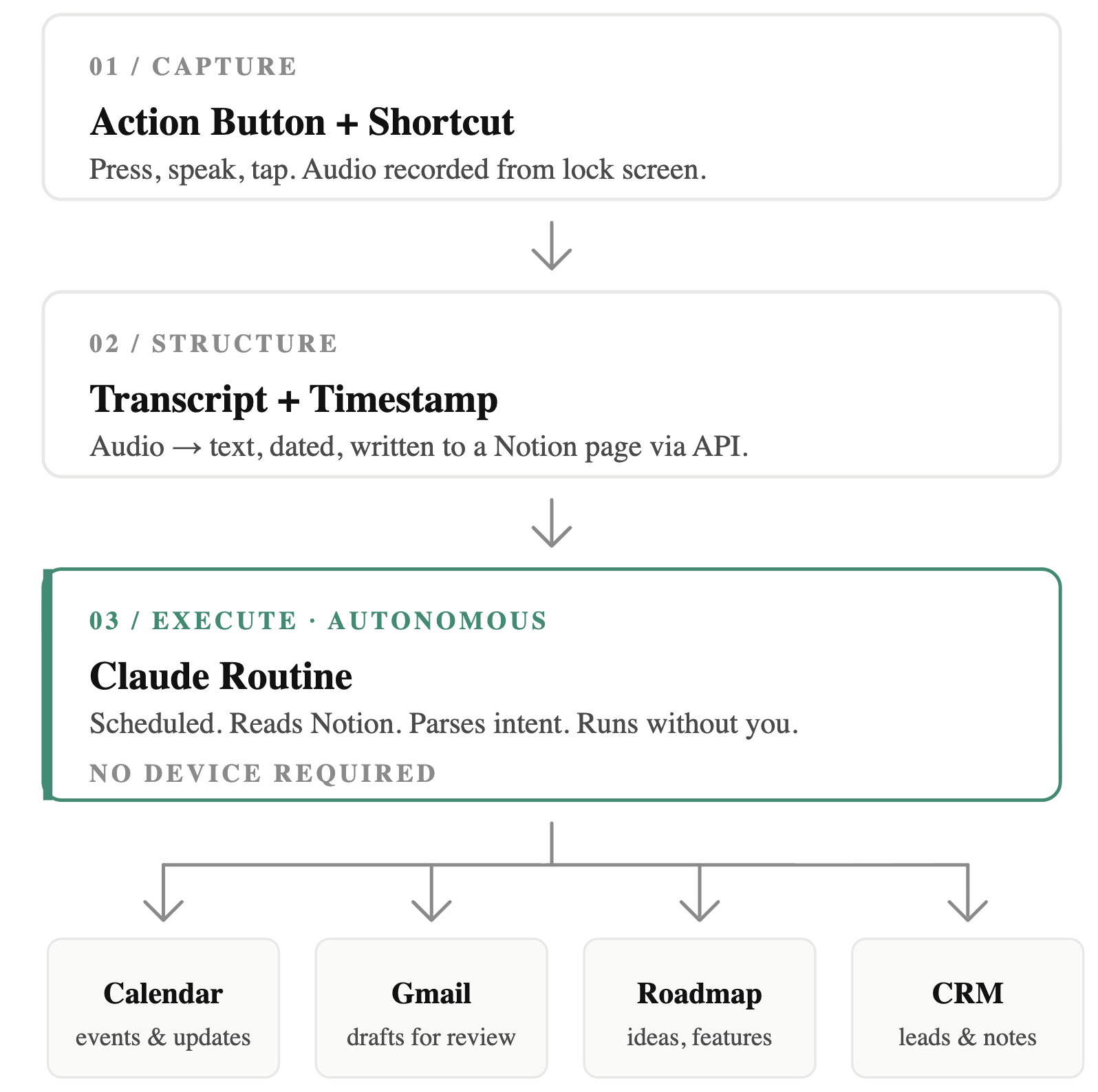
The shift is wiring AI as the operator. Voice becomes the command layer. Everything behind it is execution. In my setup: the Action Button triggers a Shortcut, the Shortcut records and transcribes, the transcript lands in Notion with a timestamp, and a Claude Routine picks it up on a schedule — reading the entry, parsing the intent, and acting through connectors into Calendar, Gmail, the roadmap, and the CRM. No device needed. No app-switching.
|
| VOICE TO EXECUTION |
|
You only speak. Everything else runs.
|
The “runs without me” test applies cleanly here. I'm not in the loop after the tap. The routine runs whether I'm at my desk, on a call, or asleep. That's the difference between a tool and an operator.
You don't need to copy my stack.
Build a version that fits yours.
The move is to stop asking what AI can help you with, and start asking what it can execute for you. Pick one repeated admin loop you hate — scheduling, logging ideas, drafting follow-ups. Wire a system where your input is a sentence and the output is a completed task. The tools matter less than the shape:
— The Lean Business Engineer
|